 ANTON RETRO
Introduction
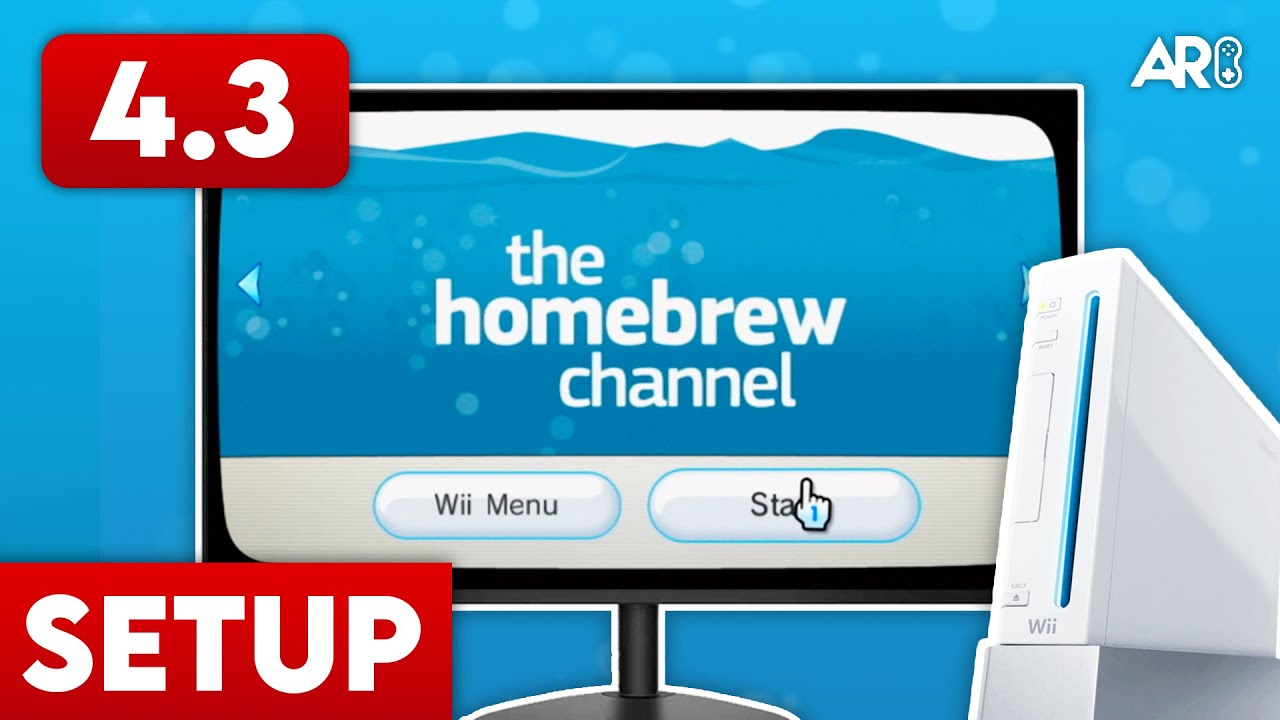
This guide is for installing the Homebrew Channel on your Nintendo Wii. This guide covers 2 methods. The first does not require an SD card but does require an internet connection. The second one does not require an internet connection on the Wii itself but does require an SD card.
Requirements
Ensure your Wii is on version 4.3. If you are using Method 2, you will need an SD card formatted to FAT32 (max 32GB recommended).
Method 1: DNS Exploit (No SD Card)
1. Go to Wii Options > Wii Settings > Internet > Connection Settings.
2. Select your current connection and choose 'Change Settings'.
3. Scroll right to 'Auto-Obtain DNS' and select 'No'.
4. Select 'Advanced Settings'.
5. Enter the following IP for BOTH Primary and Secondary DNS: 18.188.135.9
6. Select 'Confirm', then 'Save'. The Wii will perform a connection test.
7. When asked to perform a system update, select 'No' (unless your system is below version 4.3).
8. Go back to the Internet menu, select 'User Agreements', and select 'Yes'.
9. You should see a blue screen with a pony. Wait for text to appear. If it hangs (stops moving) for a long time, restart the Wii and try again.
Note: After the installation is complete, you can set your DNS settings back to 'Auto-Obtain' to restore normal internet functionality.
Method 2: LetterBomb (SD Card)
1. on your Wii, go to Wii Settings > Internet > Console Information. Write down your MAC Address.
2. On a computer, visit please.hackmii.com.
3. Select your System Menu Version (e.g., 4.3U).
4. Enter your MAC Address.
5. Complete the CAPTCHA and click 'Cut the red wire' (or blue).
6. A zip file will download. Extract the contents (the 'private' folder and 'boot.elf') to the ROOT of your SD card.
7. Insert the SD card into your Wii.
8. Go to the Wii Message Board. Navigate back or forward a day or two (check 'Yesterday' or 'Two days ago').
9. Look for a Red Envelope with a bomb inside. Click it.
Installing The Homebrew Channel
1. After the exploit launches (either method), you will see a disclaimer screen. usage of this software is free.
2. Wait for the text 'Press 1 to continue' to appear, then press 1 on your Wii Remote.
3. You are now in the HackMii Installer. Press 'Continue'.
4. Use the D-pad to select 'Install The Homebrew Channel' and press A.
5. Select 'Yes, continue'.
6. Wait for the 'SUCCESS' message.
7. Press 'Continue', then select 'Exit'.
8. You will be returned to the Homebrew Channel! Modification complete.