 ANTON RETRO
What is the Triforce Arcade System?
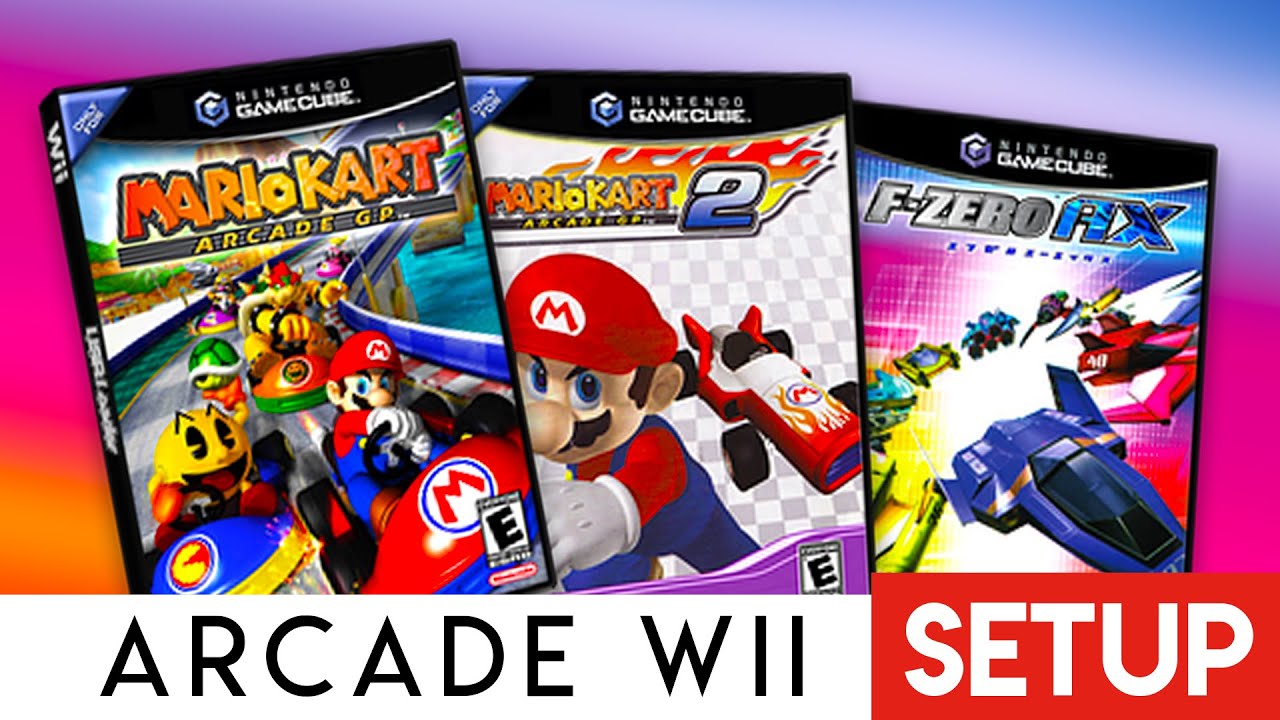
The Triforce was an arcade system board developed jointly by Nintendo, Sega, and Namco. The name 'Triforce' references Nintendo's iconic symbol and the three-way partnership.
Why is it so cool? Because the hardware is practically identical to the Nintendo GameCube! This means that with a modded Wii (which has built-in GameCube hardware), we can run these arcade classics natively without emulation, resulting in perfect performance.
Triforce Games List
Requirements
Step 1: Download Files
Download the game files and USB Loader GX box art from the link below.
Step 2: Installation (Nintendont)
1. Ensure you have Nintendont installed in your `apps` folder.
2. On your USB/SD, create a folder named `games` if it doesn't exist.
3. Create a clean folder for each game inside `games` (e.g., `Mario Kart GP`).
4. Rename the game ISO file to `game.iso`.
5. Place the ISO into its respective folder.
USB:/games/Mario Kart Arcade GP/game.iso
Step 3: Launching
Launch Nintendont (or USB Loader GX) from the Homebrew Channel. Select 'SD' or 'USB'. Select your game and play! Settings like 'Native Control' should be On.