Introduction
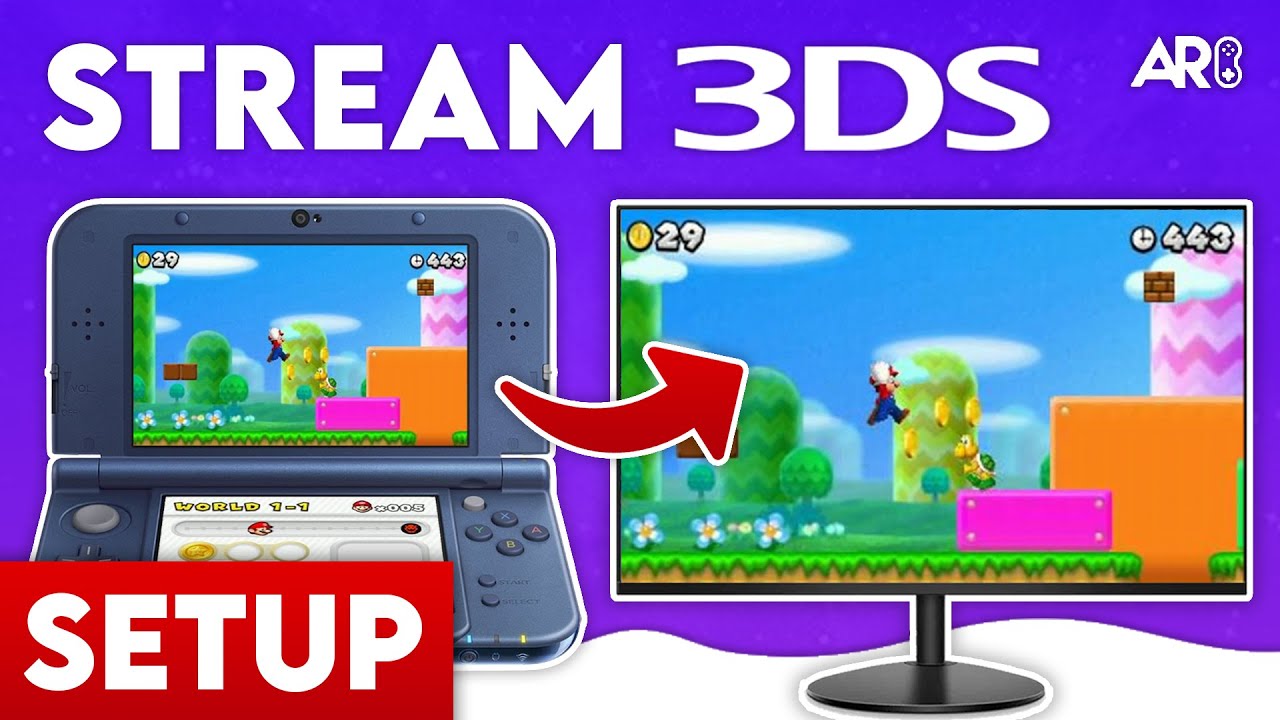
This guide shows you how to wirelessly stream your New Nintendo 3DS screen to your PC. Compatible with Windows, Mac, and Linux.
Setting up the Files
- Power on your 3DS and launch FBI from the Homebrew Launcher.
- Navigate to your SD card and install the BootNTR Selector CIA file from the Resources section.
- Once installed, exit FBI and unwrap the new software notification on your home menu.
Obtaining the 3DS IP Address
- Open the Rosalina menu by pressing
L + D-Pad Down + Selectsimultaneously. - Go to Debugger Options → Enable Debugger.
- Note down the IP address displayed (e.g.,
192.168.1.50). - Disable the debugger and exit the menu.
Launching BootNTR Selector
- Launch BootNTR Selector from the 3DS home menu.
- Press Use Default, then Save Settings.
- Select version 3.6.
- The app will load and return you to the home menu—it’s now running in the background.
Connecting to the Client
- On your PC, open Snickerstream (Windows) or CuteNTR (Mac/Linux).
- Enter the 3DS IP address you noted earlier.
- Press Connect.
- Your 3DS screen should now display on your computer!
Troubleshooting
- Games not streaming correctly? Click the NFC patch option inside BootNTR Selector before launching games like Starfox 64 3D or Pokémon Sun & Moon.
- Connection issues? Reboot your 3DS, delete the BootNTR Selector folder via FBI (Ext Save Data), then relaunch and select version 3.6 again.
OBS Setup (Optional)
For recording or streaming with OBS:
- Add a Game Capture or Window Capture source targeting Snickerstream.
- Crop the source to show only the top or bottom screen if desired.
- Pro Tip: Duplicate the capture, scale it up as a background, and add a Blur Filter for a professional overlay look.
About the Author

Anthony Micallef
Anthony Micallef is the creator of Anton Retro, a platform dedicated to retro gaming enthusiasts. With years of experience in Nintendo homebrew and modding, he creates guides to help gamers get the most out of their consoles.
How did this guide help?
Leave a comment or tip for other players
0
Loading comments...