 ANTON RETRO
Introduction
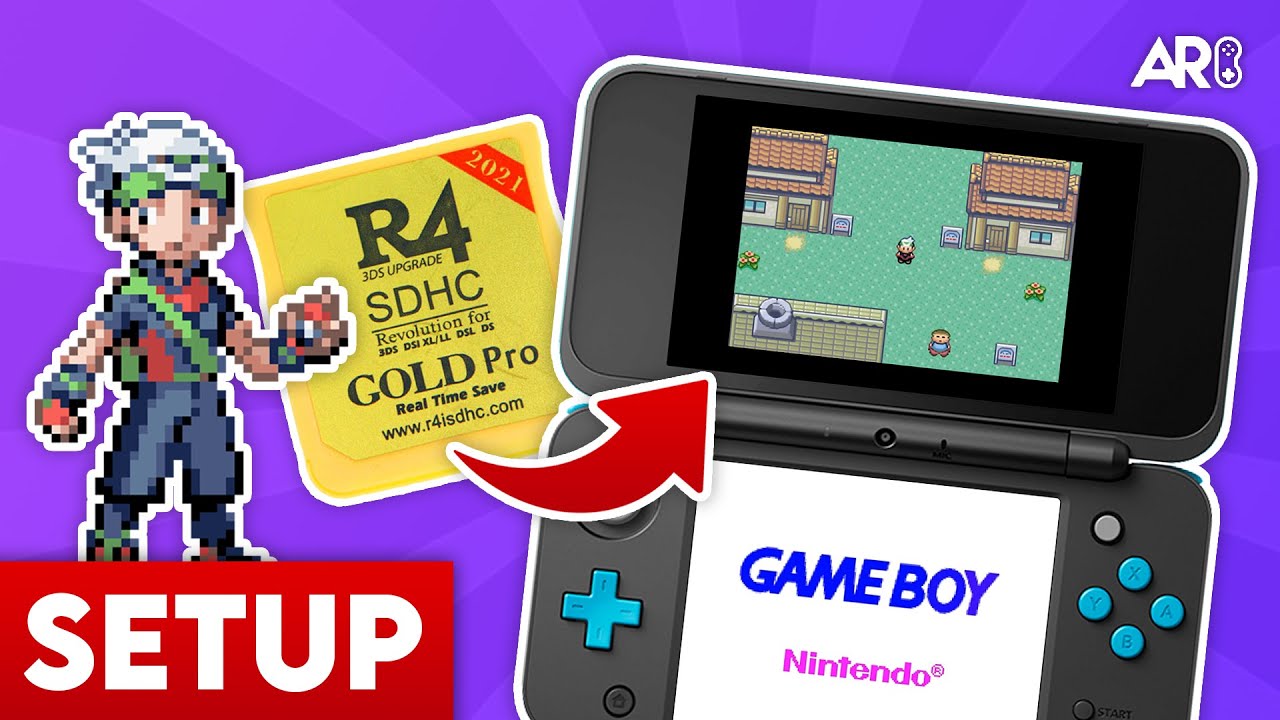
Setting up an R4 SDHC card allows you to play homebrew games and backups on your Nintendo DS/DSi. Follow this guide to get started.
Step 1: Format SD Card
Your SD card must be formatted properly. Use the tool below to format it to FAT32.
Step 2: Download Firmware
Download the necessary firmware files ('kernel') for your R4 card. This pack includes the YSMenu firmware.
Step 3: What Next?
Once you have set up your card, you can start adding homebrew applications! Check out the list below for some great ideas.